
Signature Resize
Signature resize Optimization guide
In the digital era, submitting government and banking forms requires extreme precision. Our AI-powered optimization tool ensures your documents never face rejection due to poor quality. When you need to signature resize for competitive exams, you aren’t just changing pixel counts; you are ensuring absolute clarity and legal document compliance.
Traditional compression methods often blur the ink strokes, but our Premium Processing Engine maintains the integrity of your handwriting. Whether it is a state-level recruitment or a central banking portal, the specific requirement to signature resize under 20KB or 50KB is a mandatory step that our platform handles with **pixel-perfect accuracy and silky-smooth performance**.
Stop struggling with complex photo editing software. Experience a modern, borderless interface tailored for mobile-first users. We prioritize your privacy with 100% browser-side processing, meaning your data never touches our servers. Now, anyone can signature resize and download a professional, high-contrast signature in just a few taps.
SSC Application Signature Standards
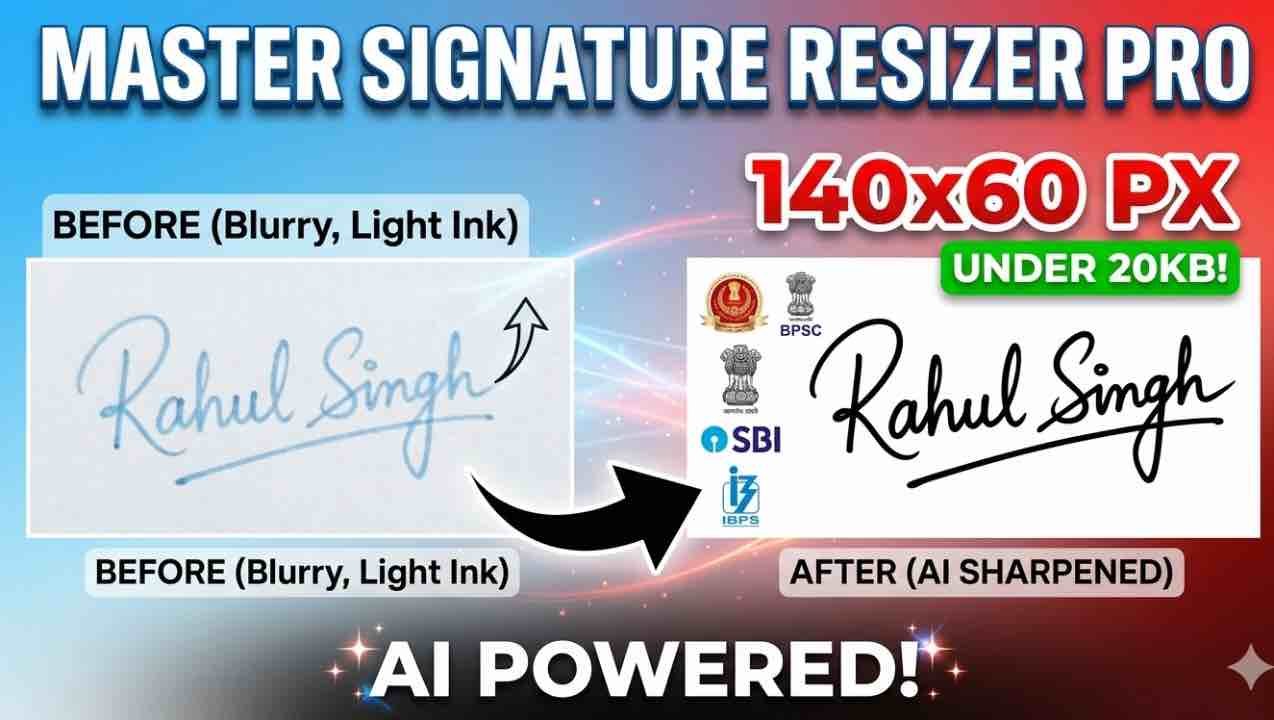
The Staff Selection Commission demands a very specific aspect ratio to avoid distortion on digital admit cards. To successfully signature resize for SSC CGL, CHSL, or MTS, you must hit the 140×60 pixel mark exactly. Our tool locks this ratio so your signature looks **bold, sharp, and professional**. By using our AI engine, you can signature resize and darken faded ink to meet the 10KB-20KB limit with 100% success.
BPSC & State PSC Examination Requirements
State commissions like the BPSC often require larger dimensions to ensure maximum readability for verification officers. When you signature resize for Bihar Public Service Commission, the target is usually 210×80 pixels. Our platform ensures that even at these higher resolutions, your file remains well under the 50KB limit. Simply upload your scan, crop out the extra edges, and let the AI signature resize your file for guaranteed application approval.
Banking, IBPS & SBI Signature Specs
Banking portals are notoriously strict about background noise and clarity. If your signature photo has a yellowish or gray tint, the automated system might reject your form. When you signature resize for IBPS, RBI, or SBI, our AI instantly cleans the background to a **pure professional white**. This critical touch ensures that your signature resize results in a high-contrast file that fits perfectly within small digital boxes.
Passport & Official Identity Document Prep
Passport and Visa applications require a significantly higher quality threshold, often allowing file sizes up to 100KB for maximum detail. To signature resize for official government IDs, you need a tool that handles centimeters to pixels conversion flawlessly. Our custom mode allows you to input these specific values so you can signature resize with surgical precision. Ensure your identity documents look premium and are ready for verification.
PAN Card NSDL & UTI Optimization
Applying for a PAN card online requires a signature that remains legible even when printed on a small physical card. It is vital to signature resize to the official NSDL standards of 2×4.5 cm. Our tool calculates these dimensions automatically. When you signature resize on our platform, the AI optimizes the DPI so the signature stays sharp, crisp, and bold even after intense file compression.
Frequently Asked Questions (FAQ)
Simply upload your image, use the slider to set your target to 20KB, and our engine will compress it while maintaining 100% clarity.
No, our AI Sharpening feature specifically detects and enhances the ink edges to maintain high definition at small file sizes.
Absolutely. Your image is processed entirely within your own browser. No data is ever uploaded to our servers, ensuring 100% privacy.
The standard dimension is 140×60 pixels. This is pre-configured in our dropdown menu for one-click optimization.
Yes! Our AI automatically cleans gray, yellow, or noisy backgrounds, converting them to a professional pure white.
Yes, our tool is built with a mobile-first approach and works flawlessly on all modern Android and iOS browsers.
Most portals require .JPG or .JPEG. Our tool outputs high-quality, compatible JPEGs by default for all users.
Select “Custom” from the platform list to manually unlock the Width, Height, and KB input fields for any unique requirement.
Simply drag the “Target Size” slider further to the left to force the compression engine to meet a lower KB requirement.
No, this tool is 100% free and provided as a non-profit utility to help students and job applicants across India.
Real User Experiences & Ratings
Best tool for SSC Students!
“Maine bahut saare tools try kiye lekin file size hamesha 20KB se upar nikal jati thi. Is AI tool ne mere signature ko perfect crop kiya aur size bhi 15KB ke andar rakha. Form turant accept ho gaya!”
Incredible AI Sharpening
“Mera signature pen light hone ki wajah se clear nahi dikh raha tha, lekin is tool ke AI feature ne ink ko dark aur sharp kar diya. Bilkul professional scan jaisa lag raha hai. Highly recommended.”
Mobile-Friendly & Very Fast
“Sabse achi baat ye hai ki mobile par crop karna bahut aasaan hai. Laptop ki jarurat hi nahi padi. BPSC form bharne ke liye ye best signature resizer hai jo maine aaj tak dekha hai.”
Pure Privacy & Speed
“Mujhe darr tha ki mera signature server pe save na ho jaye, lekin ye tool 100% browser me kaam karta hai. Privacy aur speed ka perfect combo! Interface bhi bahut clean aur silky hai.”